Cards & deals
Deal costs, Ticket recovery, card rewards, and the three currencies.
Read this guideLive now on Android
Every hand can bring building materials, Tickets, Tokens, Chips—or a chance to raid a rival. Turn an empty lot into a neighborhood that earns rent while you’re away.
The core loop
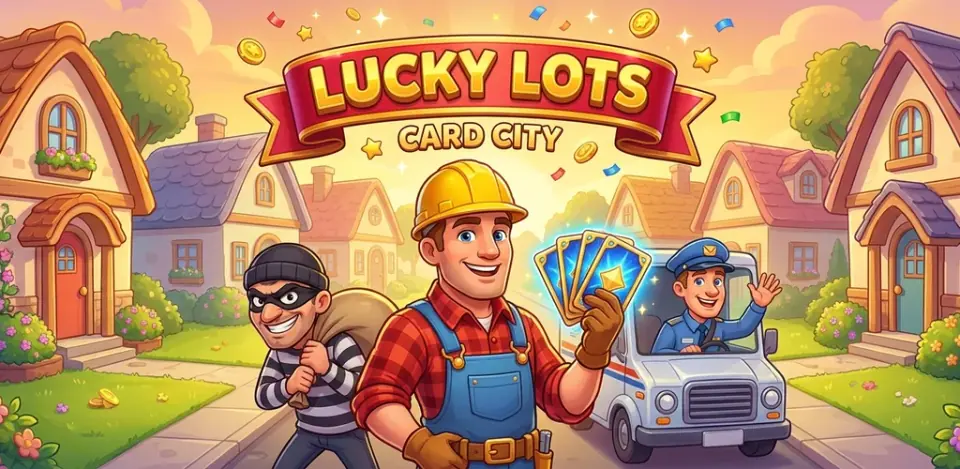
Deal what you need, finish one more stage, protect what you built, and keep the street growing.
Choose Standard, Big, or Mega and turn Tickets into a hand of three.
Bank the cards and Tokens your active house needs, one construction stage at a time.
Protect finished lots with Shields and Guard Dogs when rivals come looking.
Collect rent, finish neighborhoods, and move on to your next destination.
Authentic gameplay
Real screens show the hand you deal, the house you build, and the rival you choose.
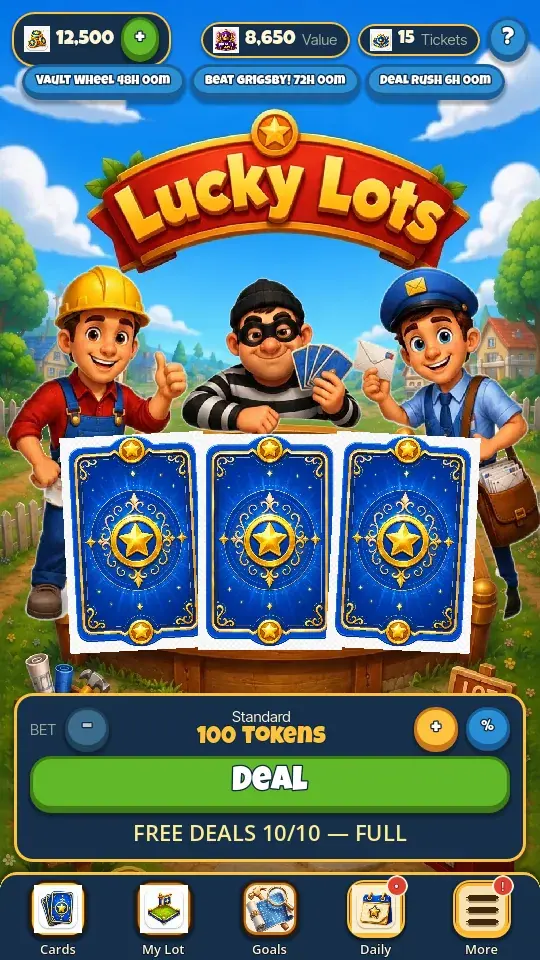
Every pull resolves into something useful: build cards, protection, Tickets, Tokens, Chips, jackpots, or mischief.
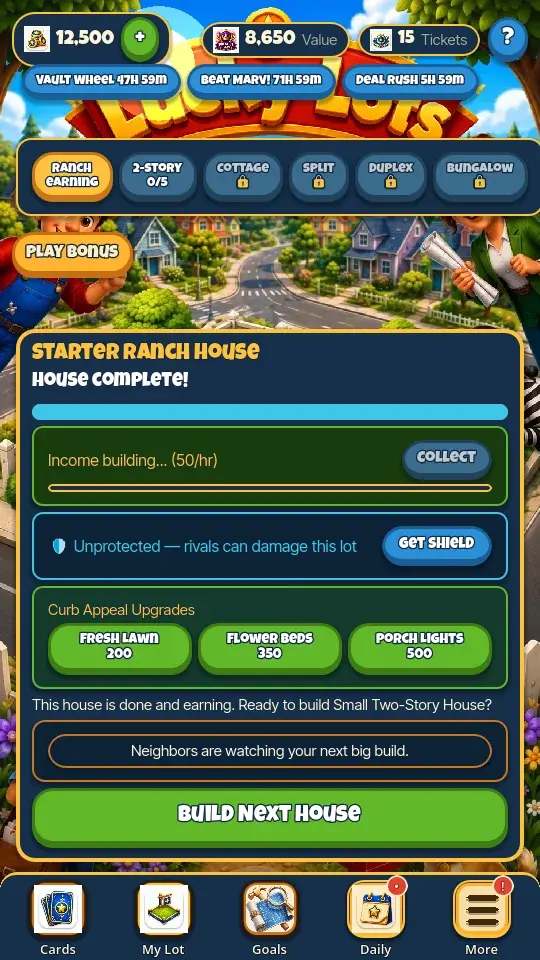
Finish the foundation, walls, windows and doors, roof and chimney, then final touches. Your empty lot changes with every completed stage.
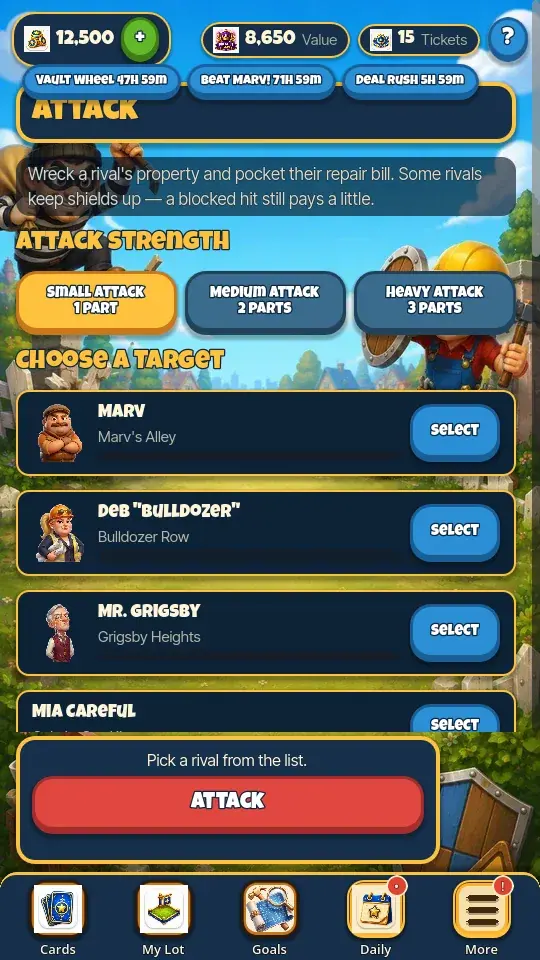
Attack exposed properties, steal from rival doors, shield your street, and take revenge when an incoming report gives you the chance.
Meet the neighbors
Marv, Deb, and Mr. Grigsby are building too—and they are not above helping themselves to your progress.



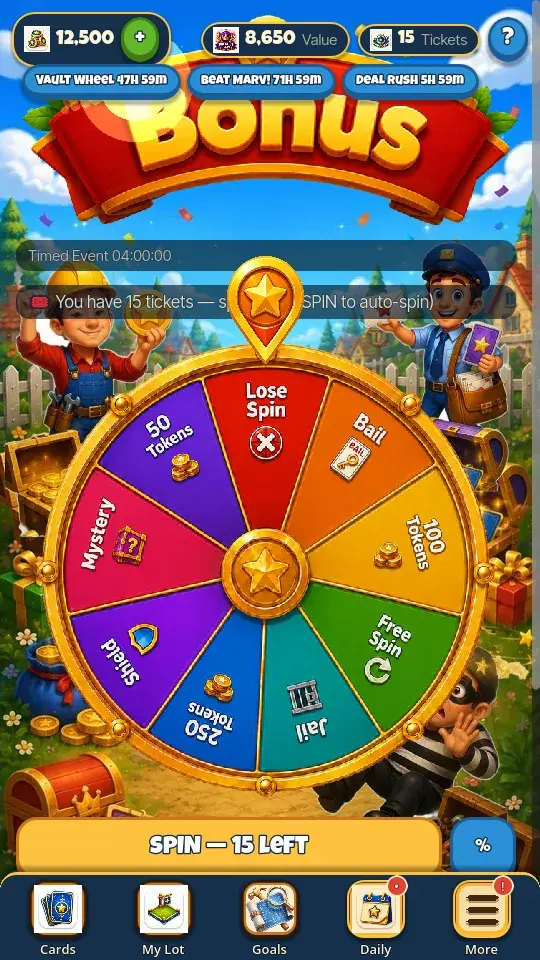
Bonus games & events
Spend Chips on the Bonus Wheel and mini-games, work through daily goals, and check live timers before joining limited-time events.
Explore bonus games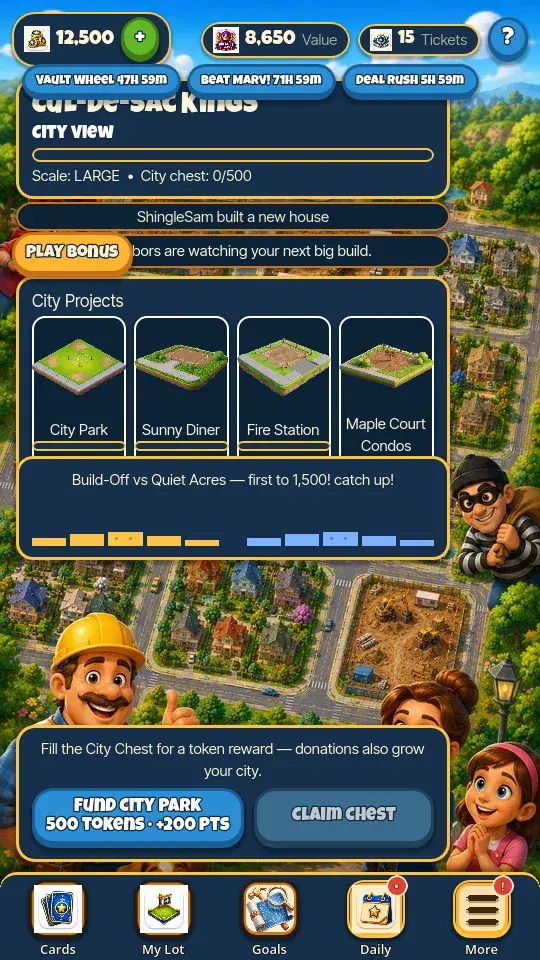
City play
Chat safely, request cards or Tokens, help with repairs and bail, fund projects, open City Chests, and compete together.
See how Cities workHow to Play
Start with the core loop or jump straight to the rule you need.
Deal costs, Ticket recovery, card rewards, and the three currencies.
Read this guideConstruction stages, Property Value, repairs, rent, Shields, and Guard Dogs.
Read this guideAttacks, steals, capers, revenge, grudges, bail, and jail rules.
Read this guideChips, the Bonus Wheel, Moving Day, prize rules, and unbanked pots.
Read this guideTeam help, City projects, goals, daily rewards, and limited-time events.
Read this guidePurchases, optional rewarded ads, profiles, local saves, cloud sync, and privacy.
Read this guideFrom the block
Game update
Finished neighborhoods now appear as scrollable streets, alongside fixes for the Claw prize label and Team race banner.
Good to know
Yes. Lucky Lots is free to download and play on Android, with optional in-app purchases.
Lucky Lots: Card City Builder is live on Google Play.
Tickets pay for Card Table deals, Tokens pay game prices such as building and repairs, and Chips pay for the Bonus Wheel and mini-games.
No. Rewarded ads are optional: watch one when you want the offered reward.
Yes. Deal a few hands, move a house forward, collect rewards, and return when Tickets and rent have recovered.
Progress saves locally first. Cloud sync is available only when the build, service, sign-in, and connection support it, so an unavailable cloud status is not cloud protection.
Open the How to Play guide for exact rules covering cards, construction, rivals, bonus games, Cities, events, purchases, saves, and safety.
Live on Android
Deal a few hands, finish your first foundation, and start turning one street into a city.
Build your block on Google Play